Shapes and extrusion
Start with boxes, cylinders, spheres, cones or Bézier profiles. Draw on a plane or a face and build from there.
A VURTHOX PRODUCT · 3D DESIGN
Vurthox Futu3D ProCreate shapes, adjust dimensions and develop projects on iPhone, iPad or Mac. With Pro, export STL files to prepare them in your 3D printing software.
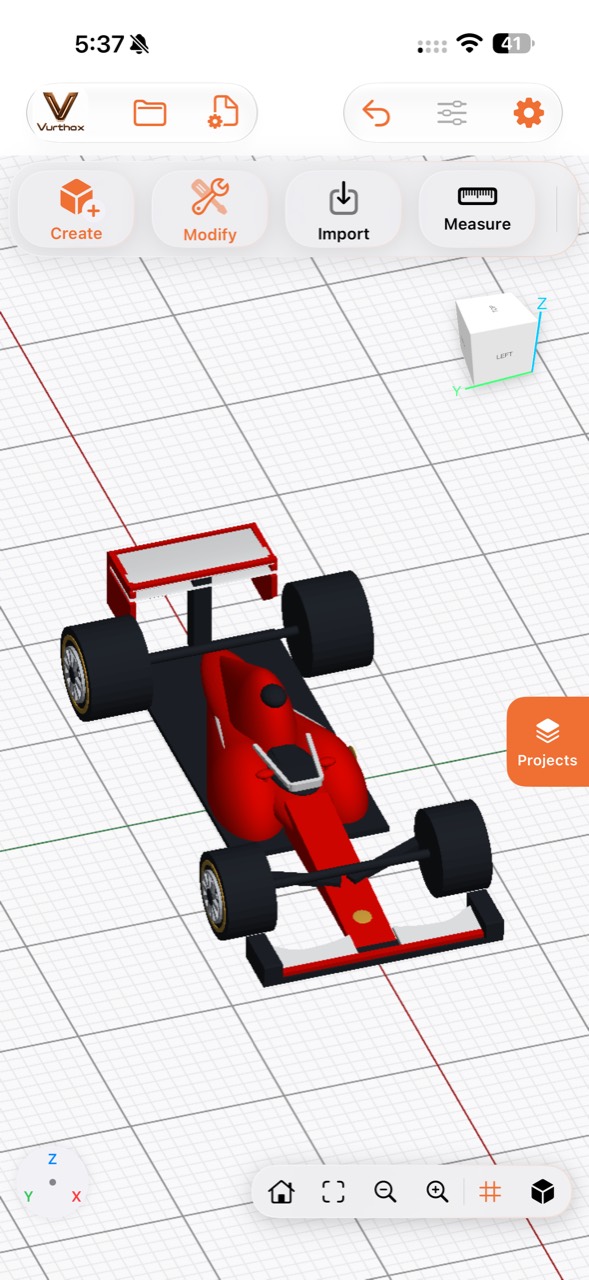
DESIGN WITH DIMENSIONS, WORK WITH SHAPES
From a simple shape to a composed project: create, transform and organize your parts in a space designed for precision.
Start with boxes, cylinders, spheres, cones or Bézier profiles. Draw on a plane or a face and build from there.
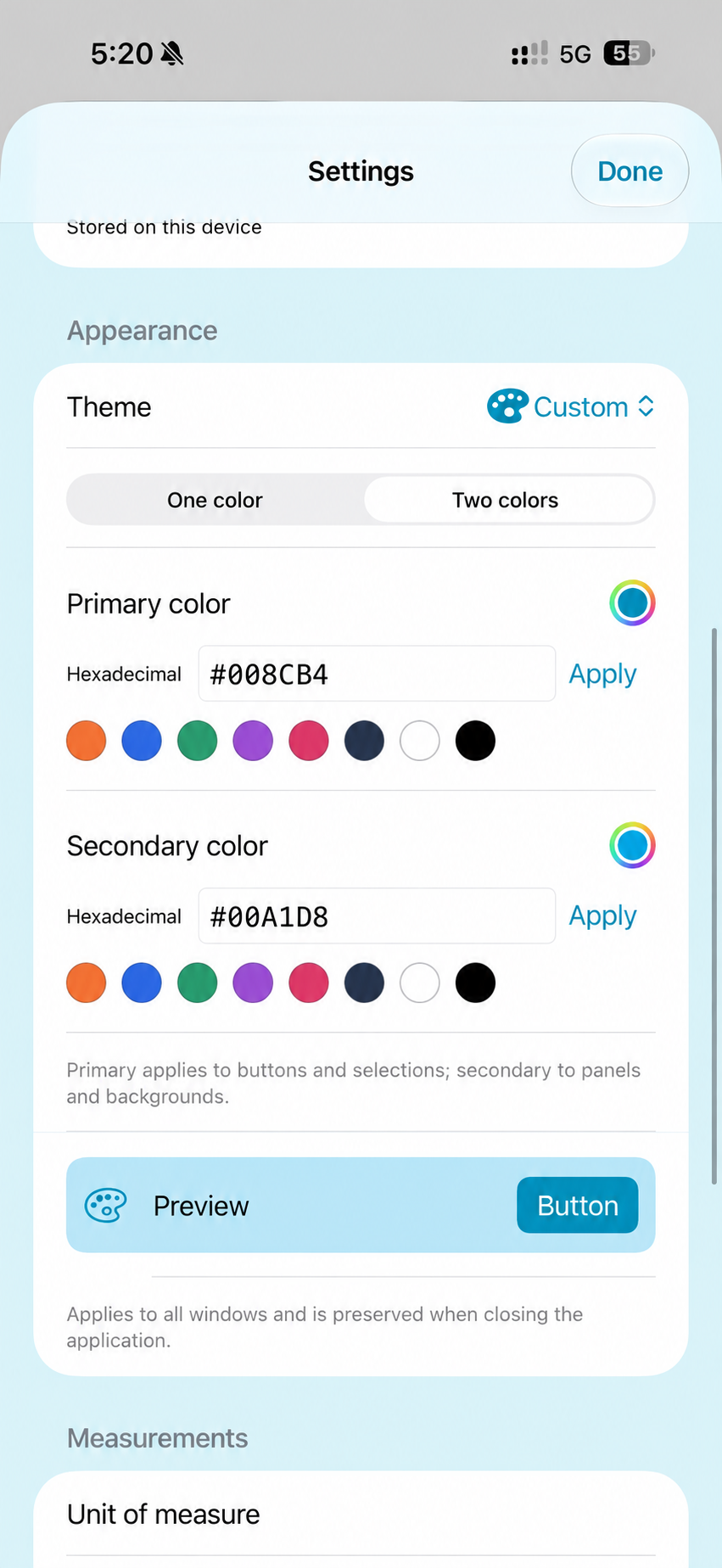
Move, rotate and scale with numeric controls. Work in millimeters or inches.
Combine bodies, make cuts and create holes by adjusting radius, position and depth.
Finish edges with chamfers or fillets and explore rings, gears, screws and nuts.
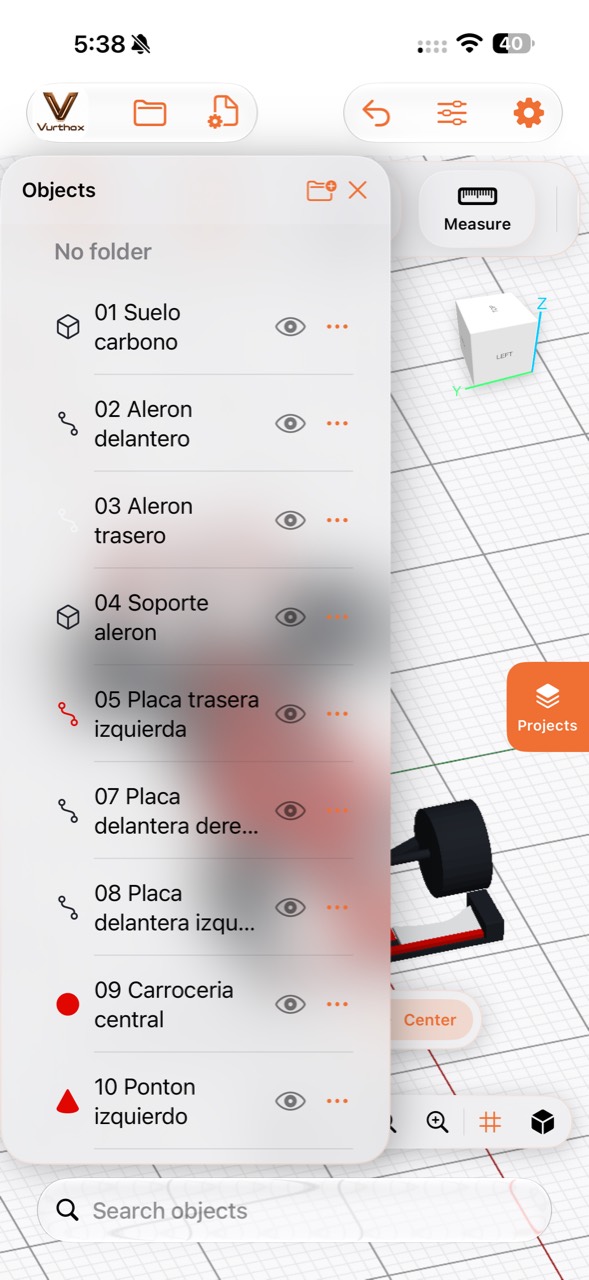
Name objects, group them in folders, control visibility and keep each design in your library.
Import a mesh to continue working and export with Pro for your external slicer.
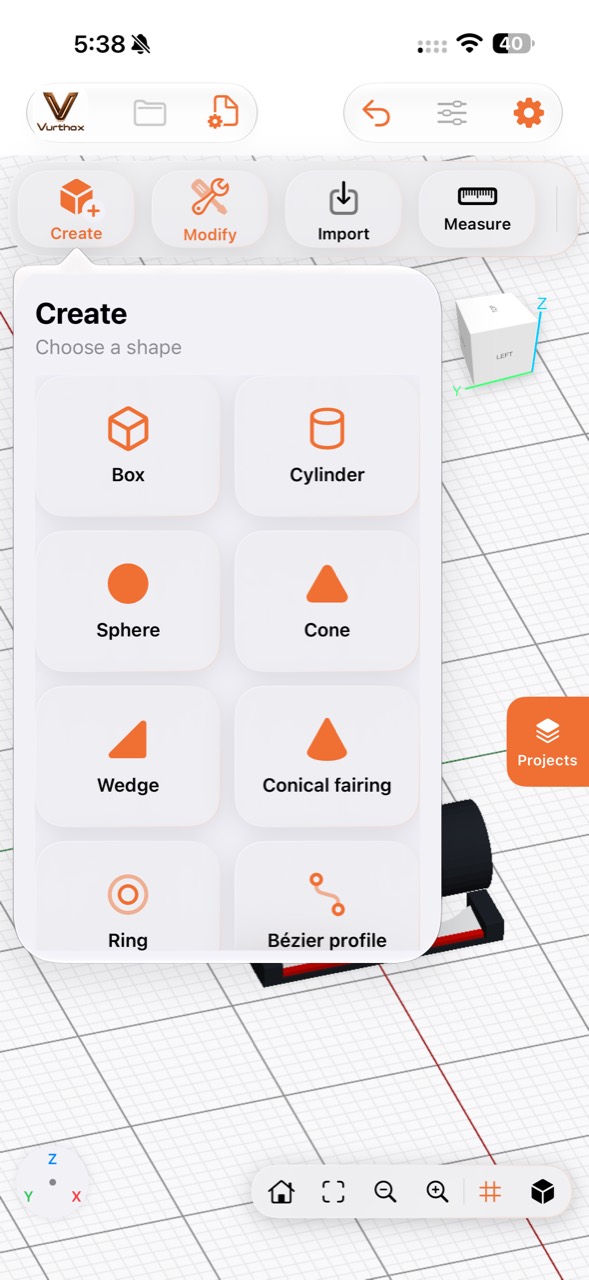
CREATE
Boxes, cylinders, spheres, cones, wedges, rings, Bézier profiles, gears and threaded elements form the starting point.
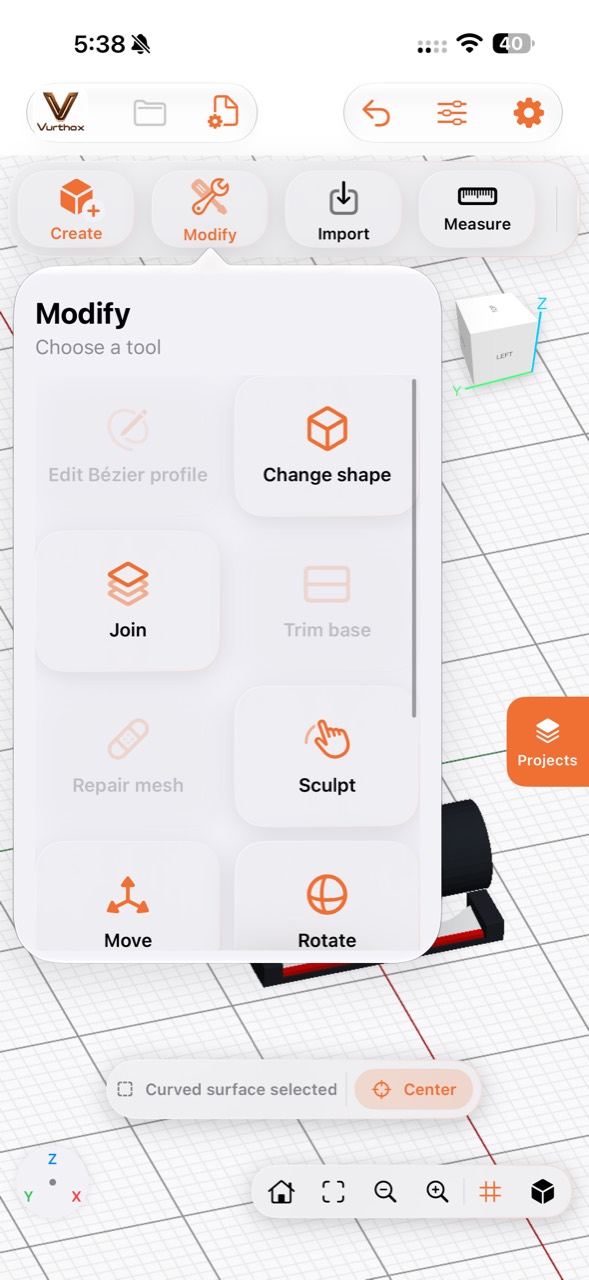
MODIFY
Join, sculpt, move, rotate, scale, drill and extrude while keeping the model in view.
ORGANIZE
Name parts, arrange them in folders, change visibility and quickly find what you need in the project.
APPLE ECOSYSTEM · ICLOUD
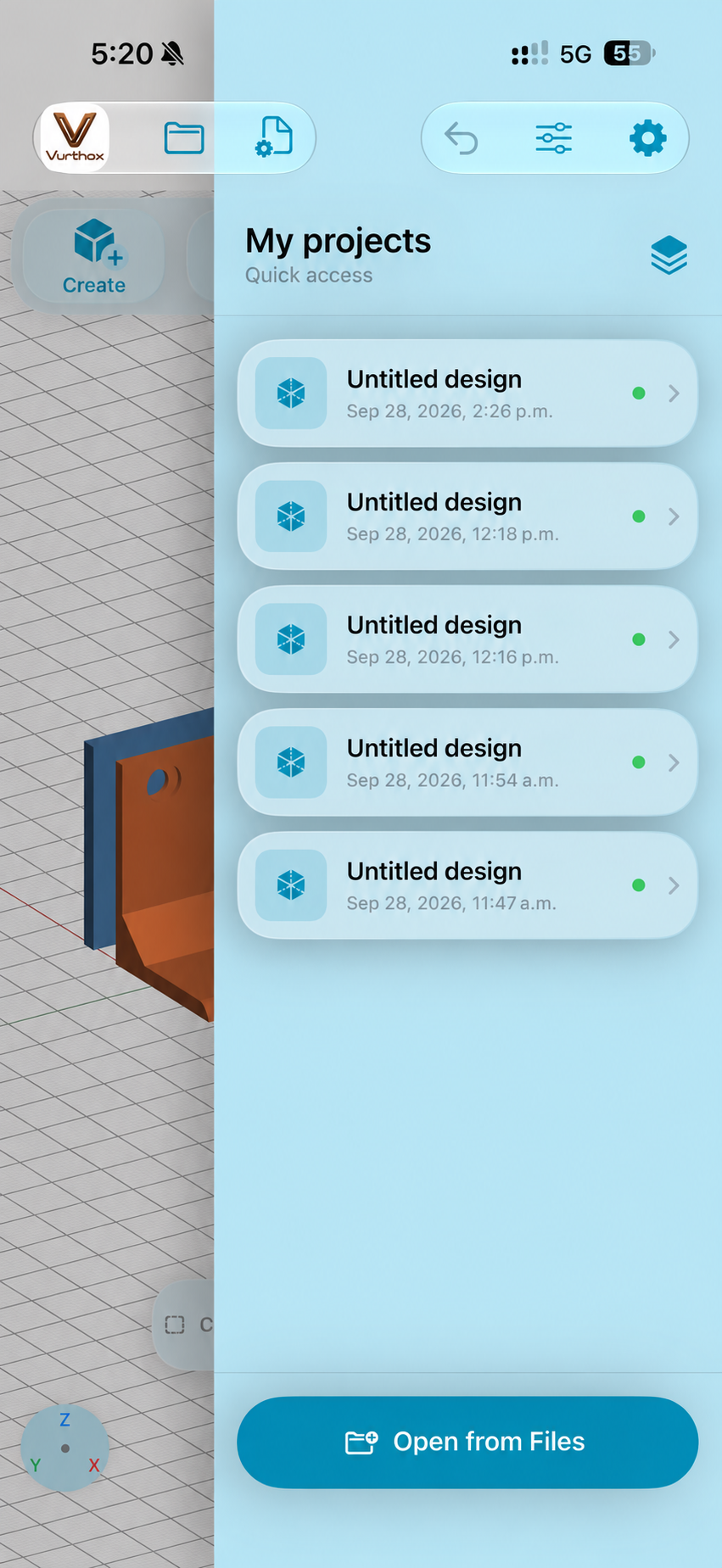
Vurthox Futu3D Pro works on iPhone, iPad and Mac. Sync projects through iCloud and continue on the device that fits each moment.
FROM THE SCREEN TO YOUR PRINTING WORKFLOW
Start with geometric shapes or import an STL mesh.
Define dimensions, cuts, holes and finishing.
Take the STL to the slicer you use to prepare the print.
The app generates the model. Orientation, supports, material and printing settings are prepared in your slicer.
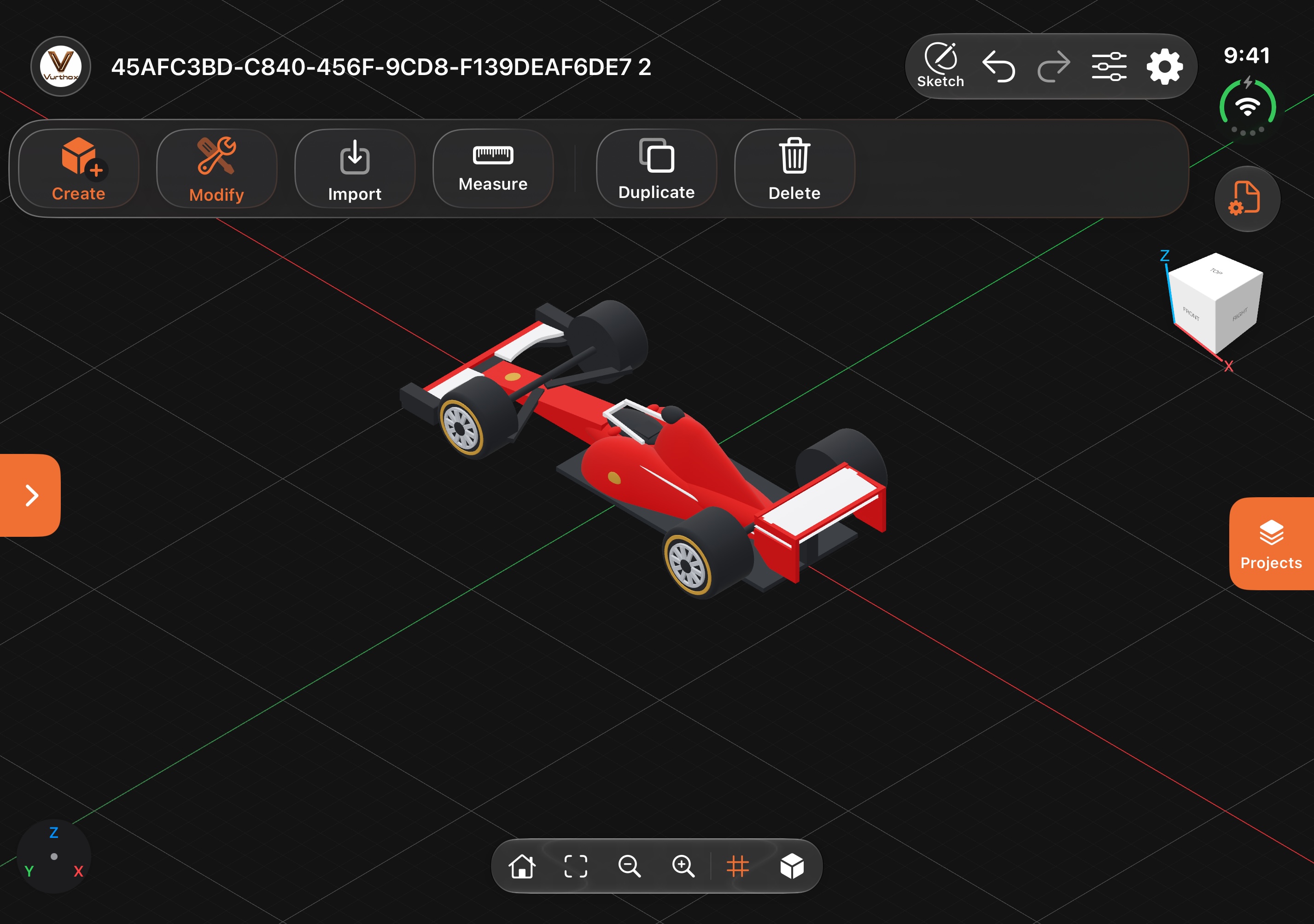
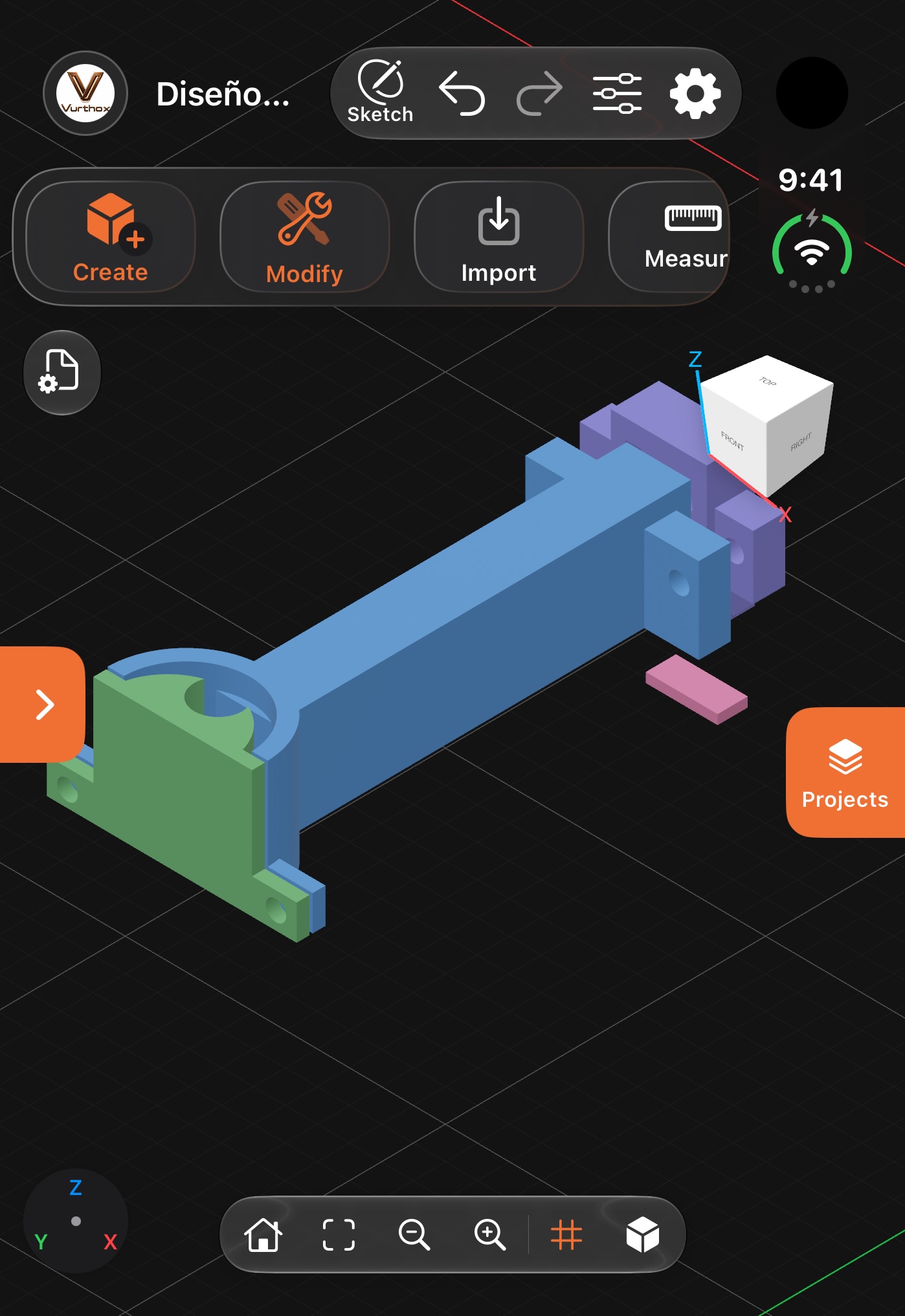
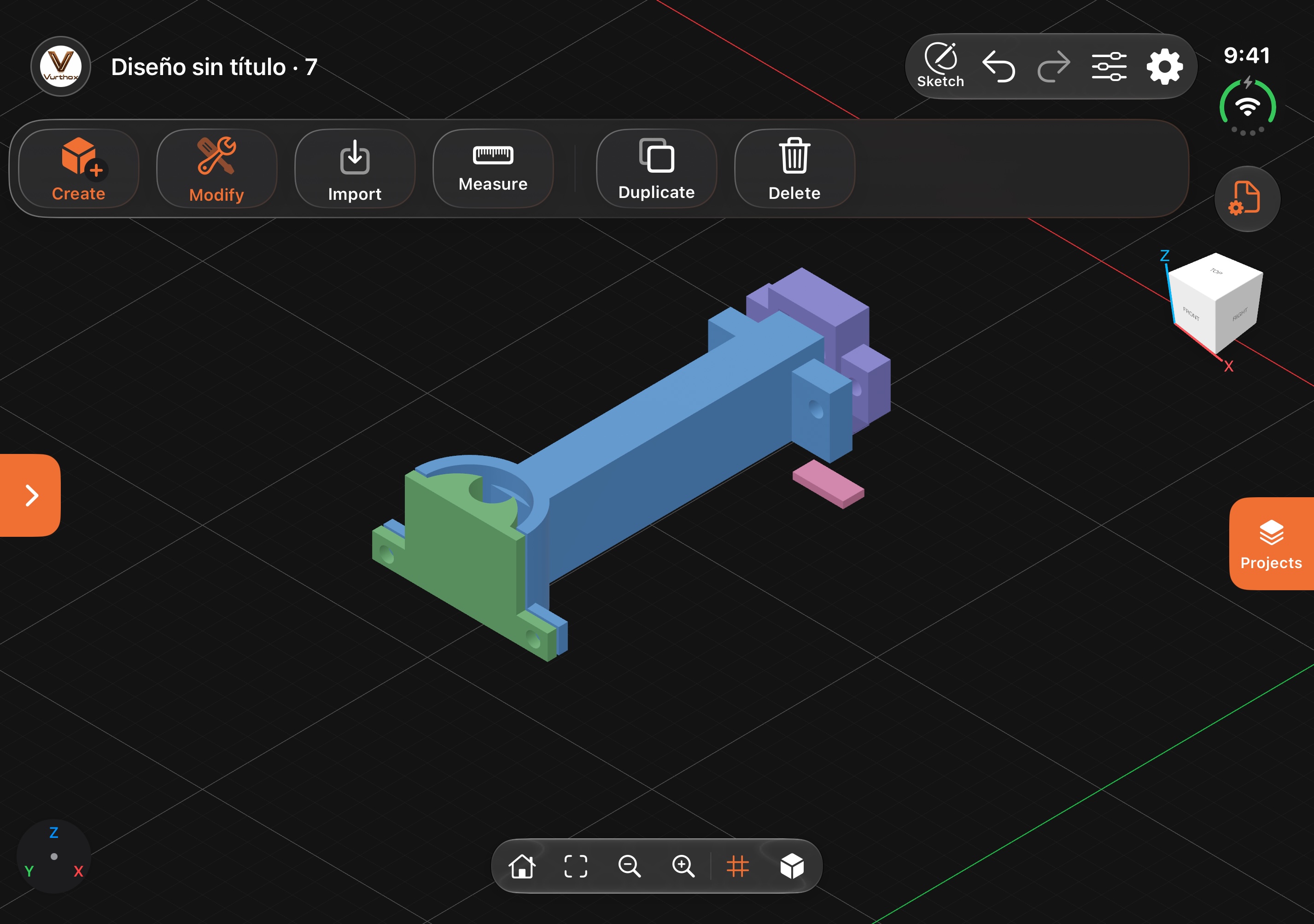
REAL PROJECTS · IPHONE DUO
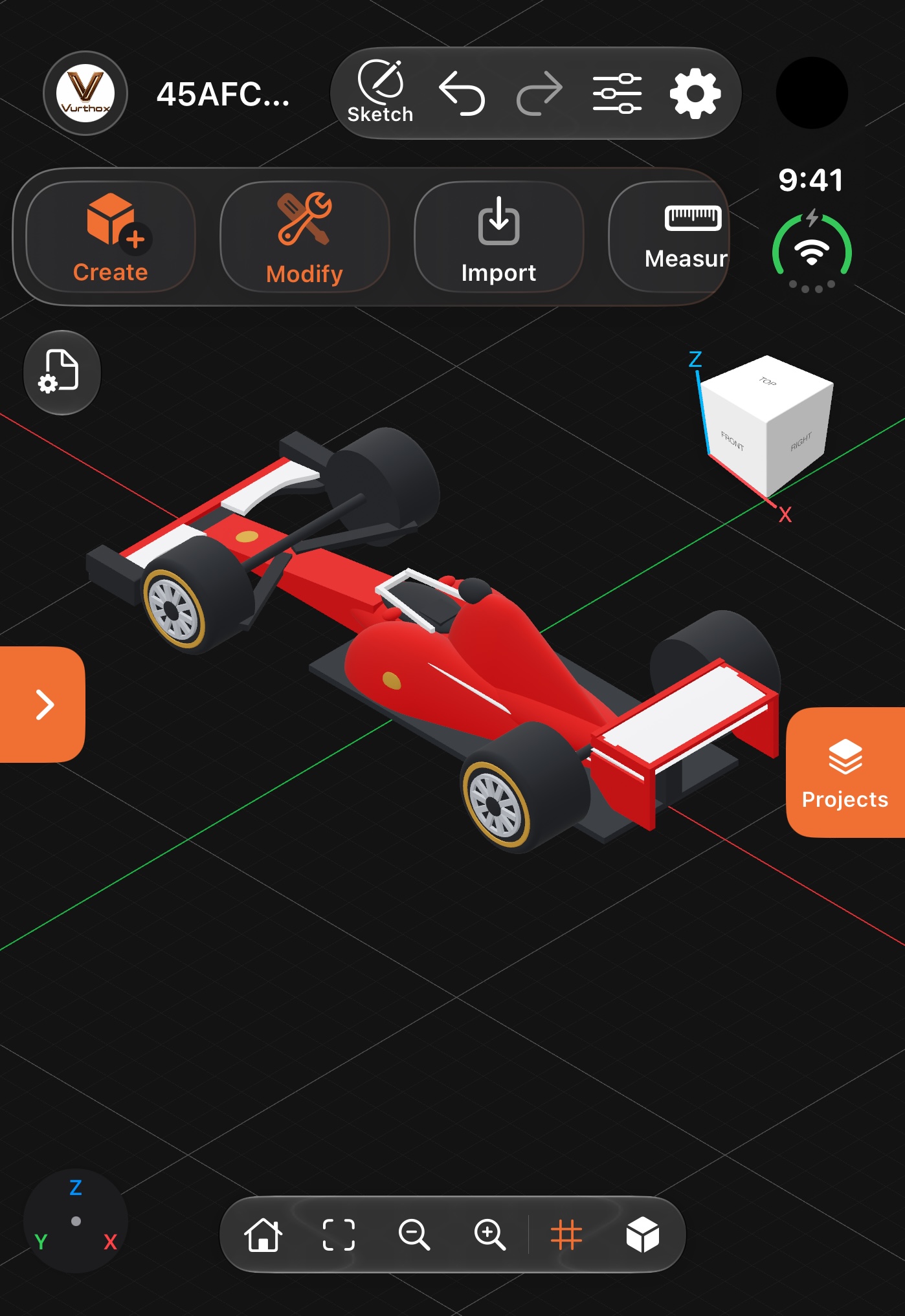
Explore and edit projects on the outer or inner display, with the complete interface in your language.
FREQUENTLY ASKED QUESTIONS
Vurthox Futu3D Pro is designed for iPhone, iPad and Mac. Final requirements will appear on its download page.
With Pro you can export .futu3d projects and STL parts. STL keeps geometry, but not colors or operation history.
No. Export the STL and prepare orientation, supports, material and settings in a slicer compatible with your printer.
The app works with the Apple ecosystem. Save locally and enable iCloud Drive sync to continue between iPhone, iPad and Mac.
Yes. Name objects, group them in folders, control visibility and manage designs from the project library.

VURTHOX FUTU3D PRO
3D design for the Apple ecosystem, with projects synchronized through iCloud.