01
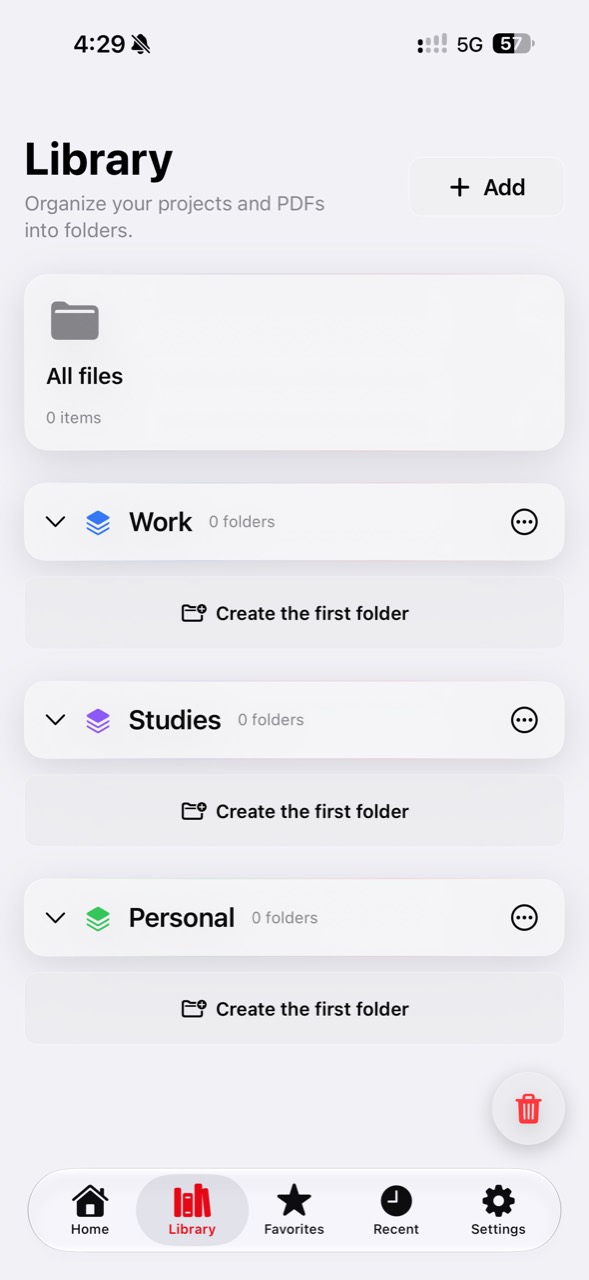
Library, reading and search.
Create folders, organize projects, find content, and read long documents or books in an orderly workspace.
A VURTHOX PRODUCT · DOCUMENTS
Your document workspace.
Create, edit, organize, convert and work with your documents in one place. Keep multiple PDFs open, continue between iPhone and Mac, and bring your workspace to an external display.
Fast and powerfulComplete tools right at hand.
Private and secureLocal document processing for supported features.
Made for AppleDesigned for iPhone, iPad and Mac.
Optional iCloudSync only when you choose to enable it.
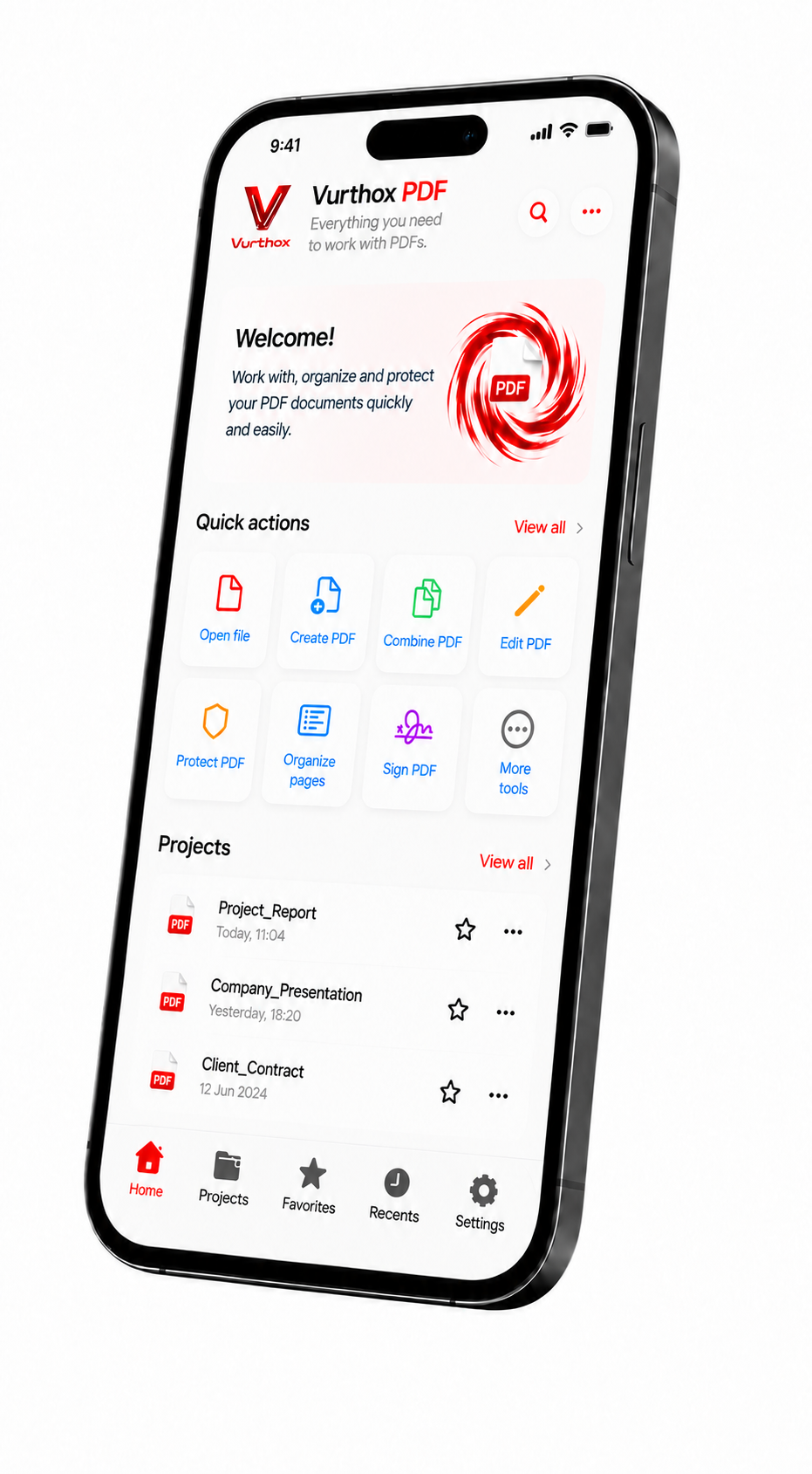
DOCUMENT WORKSPACE
From organizing your library to working on an external display, Vurthox PDF brings its tools together in one coherent experience.
Create folders, organize projects, find content, and read long documents or books in an orderly workspace.
Work with PDF, Word, Excel, PowerPoint and images. You can also scan, compress, extract text, add your logo and print.
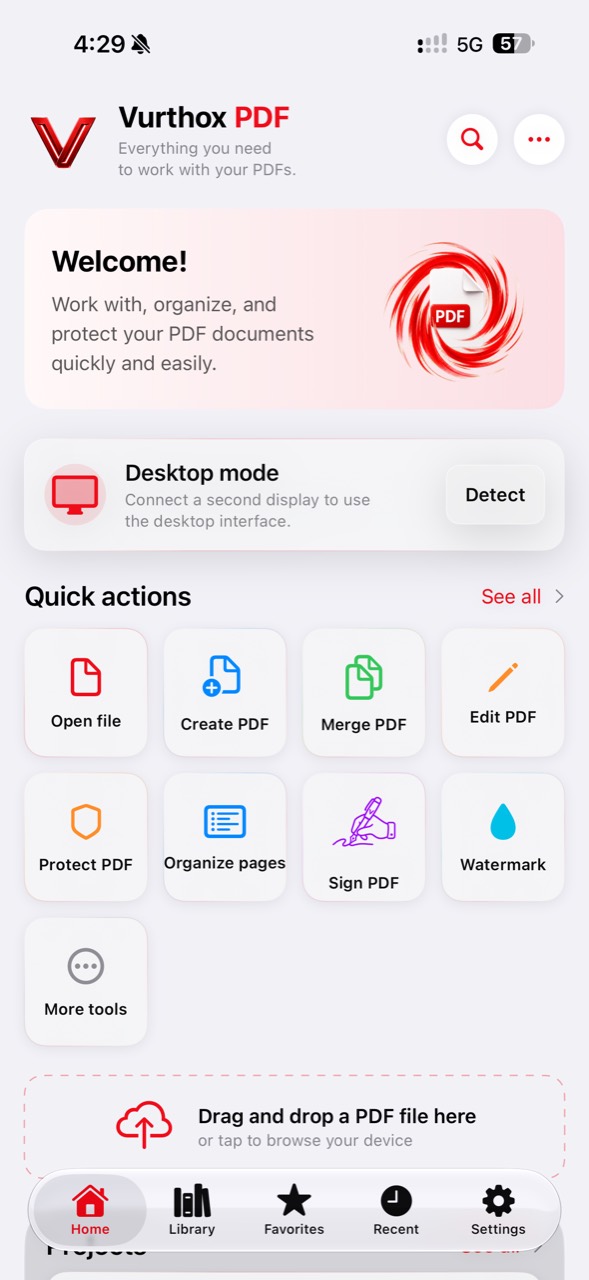
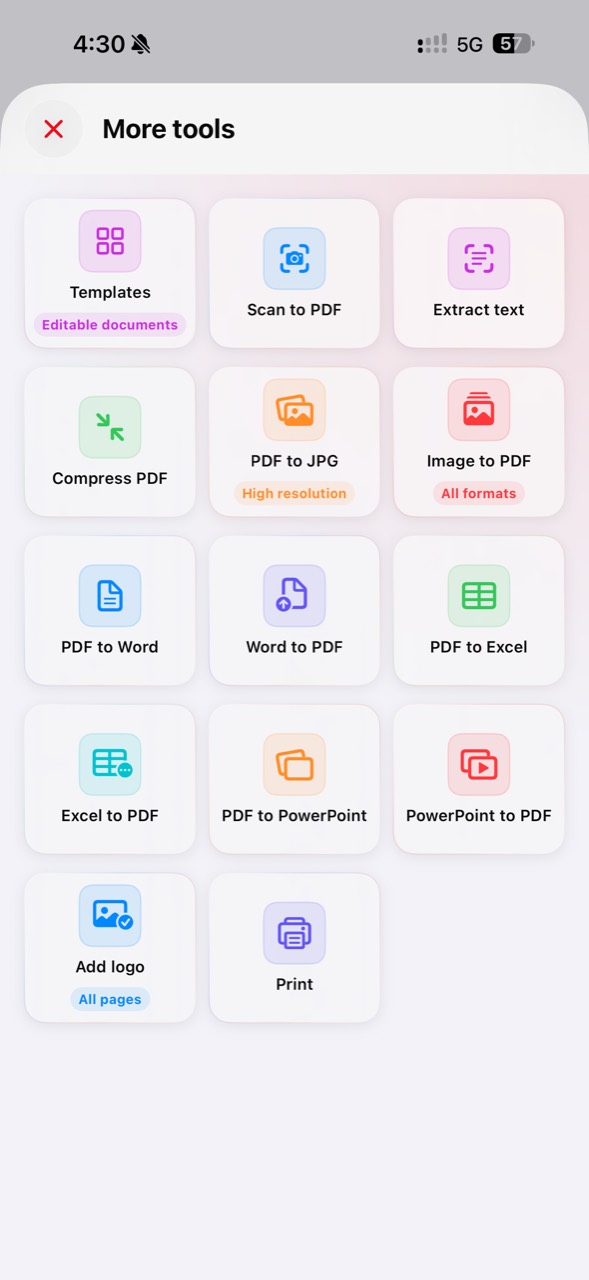
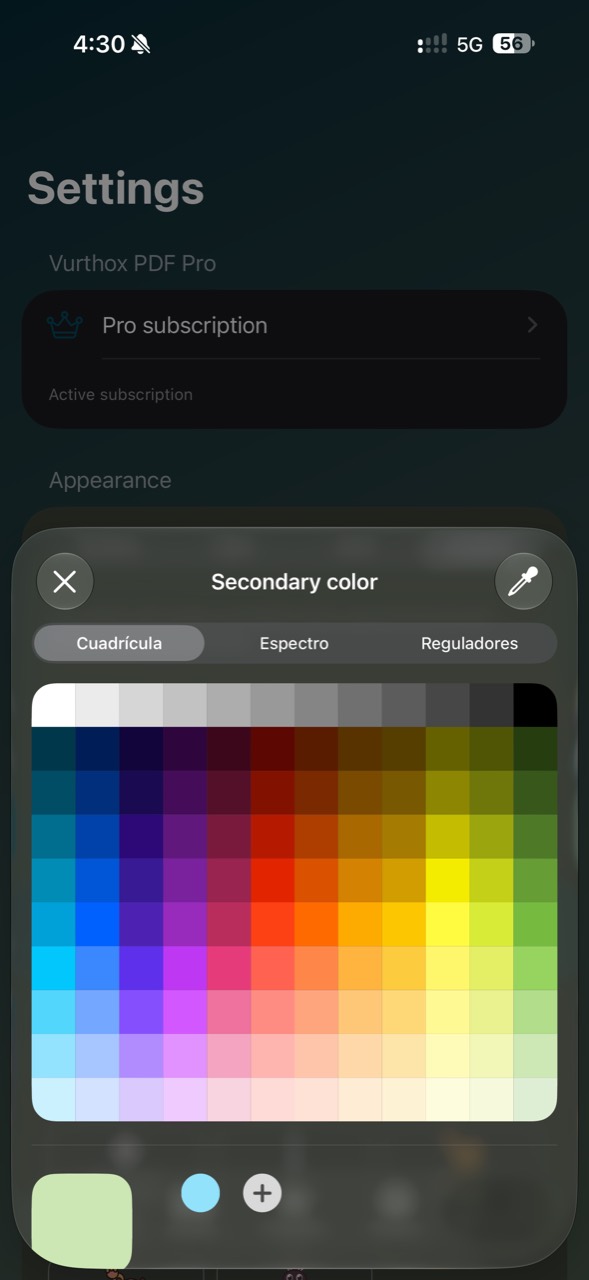
YOUR SPACE, YOUR WAY
Choose the appearance, colors and reading experience that best fit the way you work.
FEATURED · DESKTOP MODE
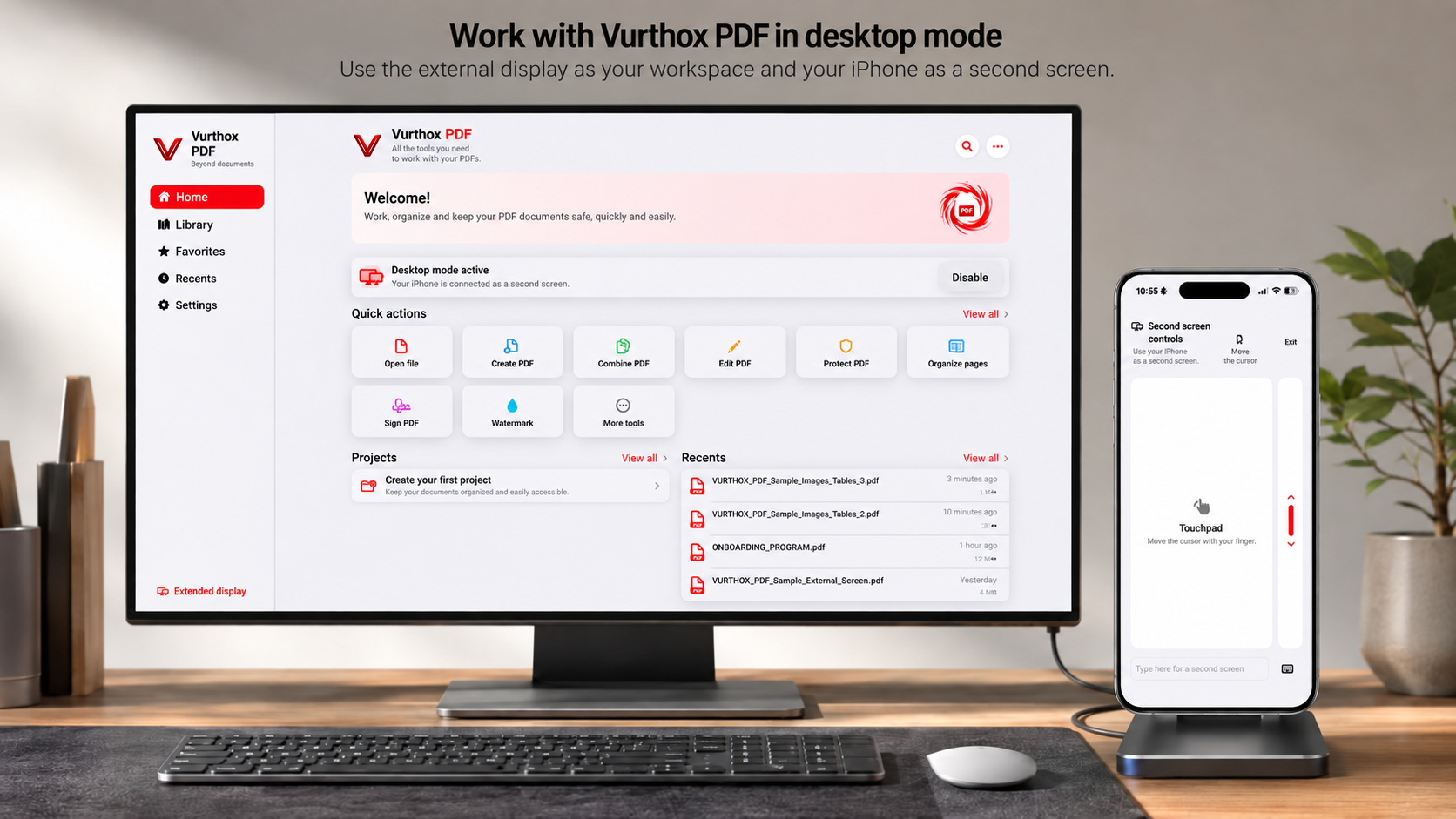
Connect an external display and Vurthox PDF unfolds a complete desktop interface. Your iPhone becomes a second screen for controlling the workspace.
More room to workUse an external display with an interface designed for desktop work.
Multiple PDFs at onceOpen several documents and switch between them without closing your work.
AVAILABLE NOW
Scan the code with your iPhone camera or open the official Vurthox PDF listing directly.
View on the App Store Scan to download